
Get essential customer insights.
Get a complete understanding of your customers across devices and platforms. Google Analytics gives you the tools, free of charge, to understand the customer journey and improve marketing ROI.
Get started today
See what’s in it for you.
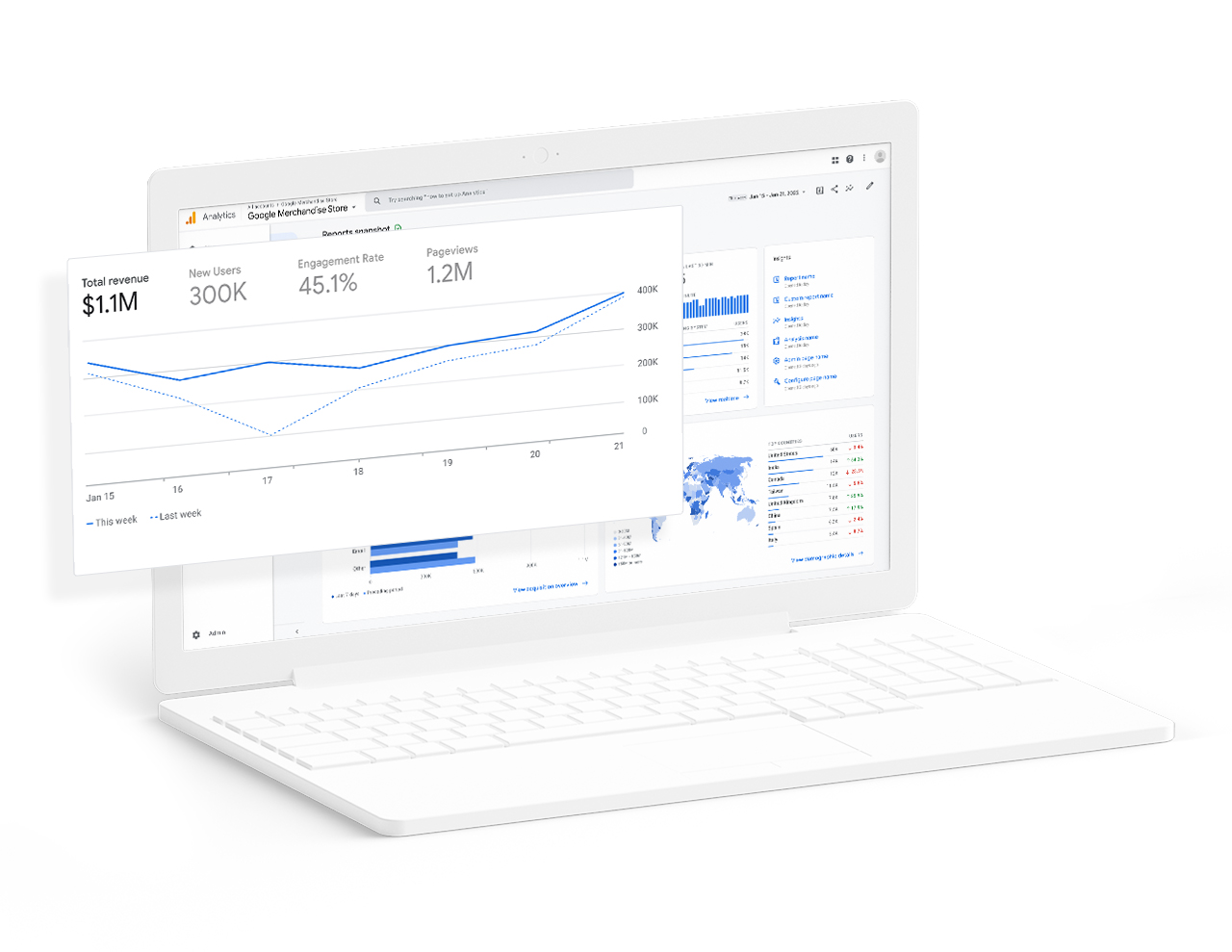
-
Unlock customer-centric measurement.
Understand how your customers interact across your sites and apps, throughout their entire lifecycle.
-
Get smarter insights to improve ROI.
Uncover new insights and anticipate future customer actions with Google’s machine learning to get more value out of your data.
-
Connect your insights to results.
Take action to optimize marketing performance with integrations across Google’s advertising and publisher tools.
-
Make your data work for you.
Quickly analyze your data and collaborate with an easy-to-use interface and shareable reports.
-
Unlock customer-centric measurement.
Understand how your customers interact across your sites and apps, throughout their entire lifecycle.
-
Get smarter insights to improve ROI.
Uncover new insights and anticipate future customer actions with Google’s machine learning to get more value out of your data.
-
Connect your insights to results.
Take action to optimize marketing performance with integrations across Google’s advertising and publisher tools.
-
Make your data work for you.
Quickly analyze your data and collaborate with an easy-to-use interface and shareable reports.
Dive into the details.
Get a reliable measurement foundation with built-in automation, intuitive and flexible reporting, cross-platform attribution, and so much more.

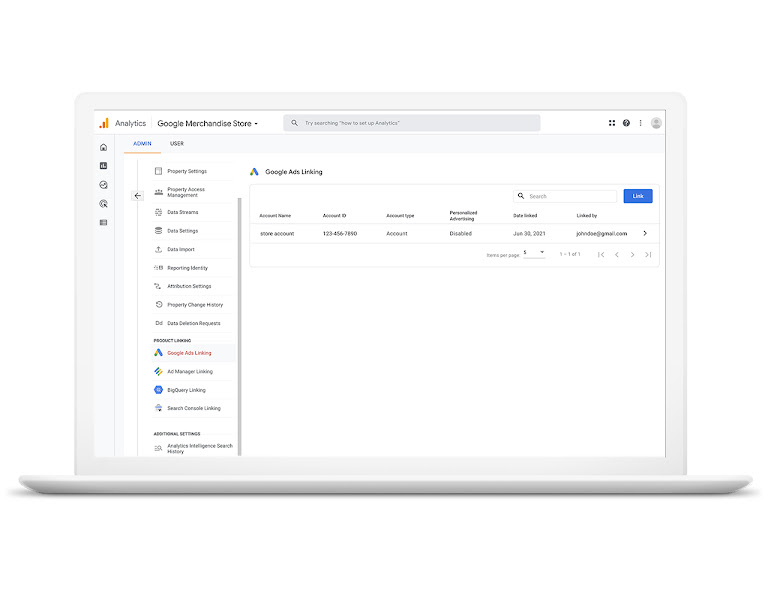
Designed to work together.
Use Analytics with other Google solutions to get a complete understanding of your marketing efforts and enhance performance.

-
Google Ads
-
Search Ads 360
-
Display & Video 360
-
Google Cloud
-
Google Search Console
-
Google Ads
-
Search Ads 360
-
Display & Video 360
-
Google Cloud
-
Google Search Console
Lider increases conversion rate 18X with Google Analytics.
Lider used Analytics for a single measurement source of truth across its website and app to re-engage users and find new users most likely to purchase. The result was an 85% decrease in CPA and 18X conversion rate improvement.


